
 Reeve
Reeve Security basics
Your Supabase storage bucket is public. Is that a problem?
A public Supabase storage bucket means anyone with a file URL can open it. It does not mean anyone can list what is in there. Two different settings.
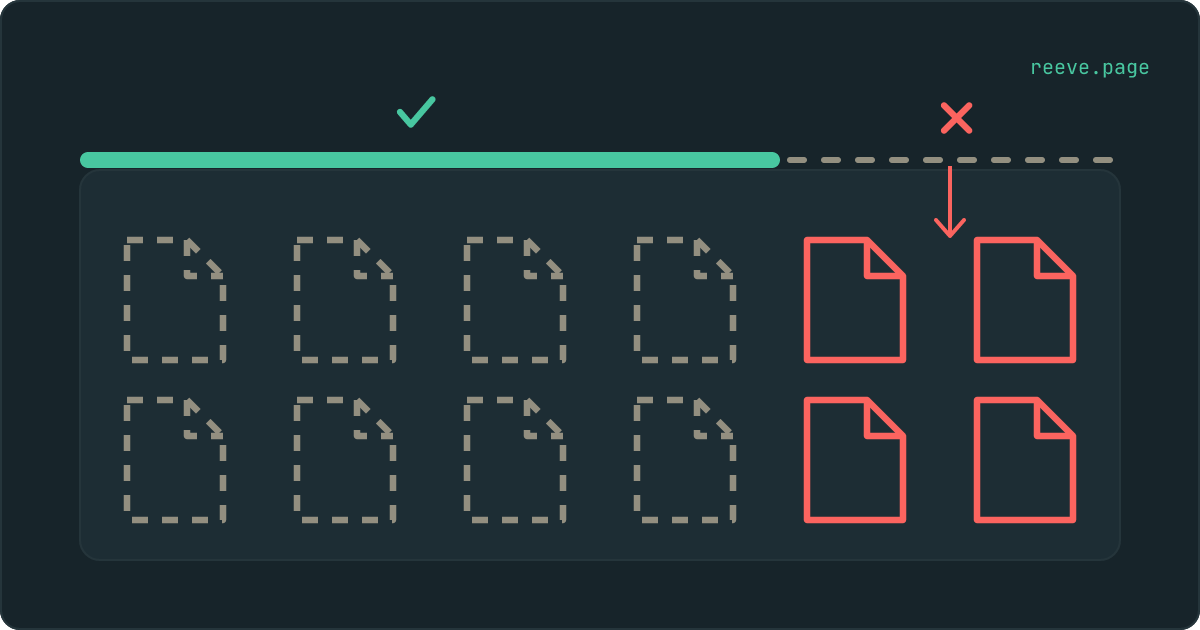
In short
- A public Supabase storage bucket means one thing: anyone holding a file URL can open it without logging in. It says nothing about whether they can see what else is in there.
- Listing is granted by an access policy instead of by the public toggle, so a private bucket can be listable while a public one is not.
- Listing is the one to fix today, because it saves a stranger the trouble of guessing a single filename.
Someone opened your app, spent a minute poking at it, and sent you a message: your Supabase storage bucket is public, and anyone can list what is in it.
That is two separate claims. One of them is probably a setting you chose on purpose and should keep. The other is the one worth an afternoon.
Here is the part that guide after guide gets wrong: public and listable are two different switches, and the alarming one is not the switch everybody tells you to flip. Making a bucket private closes the first. It can leave the second standing wide open, and a bucket that has never been public in its life can be listable this afternoon.
Is a public Supabase storage bucket a security problem?
On its own, no. It means one specific thing, and that thing is very often what you wanted.
Marking a bucket public gives every file in it a URL that works without a login. That is the whole feature. It is how the avatar on a comment loads for a reader who has no account, how your logo appears in an email, how a product photo shows up for someone who is still deciding whether to sign up.
A public bucket is closer to an unlisted phone number than to an unlocked door. The line connects for anyone who dials it, and there is no directory to look the number up in. Whether that is fine depends on one question, which is how easily somebody could arrive at the number without being told it.
Supabase makes new buckets private and puts a warning on the toggle, so a public bucket is something somebody switched on: you, or your builder, getting an upload feature to work.
What the public toggle actually turns on
One row of the table below, and nothing else on it.
| What someone tries | Public bucket | Private bucket |
|---|---|---|
| Opening a file whose exact URL they have | Works, no login needed | Needs a policy or a signed link |
| Asking for a list of the bucket contents | Only if a policy allows it | Only if a policy allows it |
| Uploading a file | Only if a policy allows it | Only if a policy allows it |
| Deleting or replacing a file | Only if a policy allows it | Only if a policy allows it |
Supabase's own troubleshooting page states it about as plainly as it can be stated: a public bucket means there is a public URL you can use to download the file, and every other operation still has to satisfy the policies on that bucket.
So the public toggle is a smaller control than its name suggests. Three of those four rows are decided somewhere else entirely, under Storage → Policies, and the message you received was almost certainly about the second one.
Why a private bucket can still be listable
Because listing is granted by an access policy, and the policy most people paste in grants it to everybody.
Every read from Storage passes through Row Level Security on a table called
storage.objects. Listing a bucket is a read, filed under SELECT, exactly
like downloading a file is. Supabase's own quickstart shows a policy in this
shape, which is where copies of it tend to come from:
create policy "Public Access"
  on storage.objects for select
  using ( bucket_id = 'public' );
Read what that says. Any request at all may read anything in that bucket. It does not ask who is asking, and it does not ask whether the file has anything to do with them. Reading covers downloading a file, and it covers handing over the list of files, because those are the same permission wearing two hats.
The bucket's own public toggle never comes into it. A policy like that on a private bucket makes the bucket listable, and the dashboard will go on truthfully describing it as private.
The word doing the damage is "any". A request carrying the publishable key that ships inside your app's code satisfies that policy perfectly, and that key is meant to be readable by everyone, which is precisely why the policy is supposed to be the part doing the work. This is the same shape as the problem next door, where Row Level Security is switched on and permitting everything anyway.
What someone gets from a list of your files
Names, mostly. Which is a great deal more than it sounds.
Filenames tend to describe their contents, because a person chose them while
thinking about what was inside: invoice-march-acme.pdf, passport-front.jpg,
payroll-final-v2.xlsx. A list of those is a fair summary of your business, and
a count of them says roughly how many customers you have. If the bucket is also
public, every name on that list is a working link.
Back to the phone number. Being unlisted is worth something right up until the directory gets published, and afterwards it never mattered how hard the number was to guess.
The way this surfaces is ordinary. A document belonging to one customer turns up in front of another one. Somebody quotes the name of a file back to you that they had no way of knowing. A folder of uploads gets copied wholesale by an automated crawler that was reading every Supabase project it could find.
Our free scan asks your Storage for a listing using nothing except the key that is already in your app's code, and tells you which buckets answered with contents. It reads names and never downloads a file. It takes about 20 seconds and needs no account: scan your app.
How to tell which one you have
Two checks in the Supabase dashboard, and the second is the one the message was really about.
Storage → Buckets. The public ones are labelled as public. For each one, ask whether every single file in it is something you would be content to show a stranger. Not most files. Every file, including whatever gets uploaded there next week by a feature you have not built yet.
Storage → Policies. Read each SELECT policy that touches the bucket. A
condition that mentions only the bucket name lets anyone read it. A condition
comparing the file's owner to the person making the request is doing real work.
An empty policy list on a private bucket means nothing gets read at all, which
is restrictive and safe.
If your app has to show a private file to the right person, the tool for that is a signed link: your server asks Supabase for a URL that works for a set number of minutes and then stops working. That keeps the file private and still gets it onto the page.
When public is the right answer
More often than a security article usually admits, and it is worth saying so.
If the file is meant for everyone, public is correct, and working around it buys you a slower app and more code to maintain. Avatars, logos, cover images, anything a signed-out visitor is supposed to see: put them in a public bucket and stop thinking about it.
The one thing to do even there is keep the listing off. A public bucket of avatars is a feature. The same bucket handing over the complete list of everyone who has ever uploaded one is a different thing that you did not ask for.
If the file belongs to one particular person, it goes in a private bucket with a policy that checks who is asking, and reaches the page through a signed link. The test is a single question: who is this file for? Everyone, or one named account.
What to do this week
What to do
- Open Storage → Buckets and write down which ones are public. For each, decide whether it holds files meant for everyone or files meant for one person.
- Read every
SELECTpolicy onstorage.objects. A condition that names only the bucket grants the file list to anyone; that is the one that made the message you received true. - Move anything belonging to a single user into a private bucket and serve it through signed links, which expire on their own.
- Stop naming uploaded files after their contents. A random identifier costs nothing and means a leaked list gives up much less than it would have.
- Back up your Storage separately from your database. Your uploads are in neither your code nor your Postgres tables, so nothing that copies those two is copying your files.
Open Storage → Policies in your project and read what is in there, before you change a single toggle. That one screen is what decides whether the second half of the message you got was true. The 10-minute security checklist covers it next to the rest of what a newly launched app tends to leave open, and if a bucket did turn out to be readable, what a stranger can reach in your database is the next thing to read, since the policy that hands over a file list is the same shape as the one that hands over a table.
FAQ
Someone told me my Supabase storage bucket is public. Should I make it private?
Not until you know what is in it. Public buckets exist for a reason: profile pictures, logos, product images and anything else your app shows to a visitor who has not signed in. For those files public is the correct setting. For invoices, ID documents, exports or anything belonging to one particular user, it is the wrong one, and private plus signed links is what you want instead. The question was never whether public is bad. It is whether those particular files were meant to be seen by anyone who asks.
What is the difference between a public bucket and a listable one?
Public decides whether a file opens for someone who already has its URL. Listable decides whether a stranger can ask your project for the entire contents of a bucket and get an answer. They are configured in different places in the Supabase dashboard, and the second one is what turns a guess into a directory.
Can someone guess the URLs of files in my public bucket?
That depends entirely on how your app names them. If it uploads under the original filename, or under something orderly like invoice-4.pdf, then yes, and it takes very little effort. If it uploads under a long random identifier, guessing is impractical. Which is exactly why listing matters so much: it removes the guessing step completely.
How do I stop people listing my bucket?
Listing goes through a Row Level Security policy on the storage.objects table, so that is where it gets fixed rather than on the bucket itself. Open Storage → Policies in your Supabase dashboard and read every SELECT policy that touches the bucket. One whose only condition is the bucket name lets any request read that bucket, its file list included. Narrow it so it compares the file to the person asking for it, or remove it and hand out signed links from your server instead.
Are my uploaded files covered by my database backup?
No. Storage sits outside your Postgres database, so a database backup holds the rows that point at your files and none of the files themselves. Restoring it gives you a table full of links to things that are no longer there. Your uploads have to be copied separately, and most people find this out on the day it matters.