
 Reeve
Security basics
"Application error: a client-side exception has occurred" in Next.js
Application error: a client-side exception has occurred on your v0 or Next.js app: where the real error is and how to fix it.
In short
- "Application error: a client-side exception has occurred" means code running in your visitor's browser threw an error that nothing in your app caught, so Next.js took the page down and showed this line instead. The real error is in the browser console.
- Your host still answers with a 200 and Vercel still calls the deploy Ready, because the crash happens after the page has arrived. A check that reads only the status code sees a working site.
- To find the cause, open the page, press F12, open the Console tab and reload. Give that red line to v0 or whoever writes your code. Leave production source maps off while you do: Next.js keeps them off so your source is not published.
- From Next.js 16.2 the App Router shows "This page couldn't load" for the same failure. The cause and the fix are the same.
You built the app with v0, or with Cursor or Claude Code on Next.js, and it worked in the preview. Then you published it, or published a change, and now the live site shows one line of text on an otherwise empty page:
Application error: a client-side exception has occurred while loading yourapp.com (see the browser console for more information).
The words "while loading" and your site's address are not in every version of the line. The rest is.
That line is not the error. It is the page Next.js puts up when something goes wrong in the browser and nothing in your app catches it, and it prints the same words whatever went wrong. The real message went to the browser console, which is why the line ends by pointing there. Start in the console, before you clear a cache or publish the same code again.
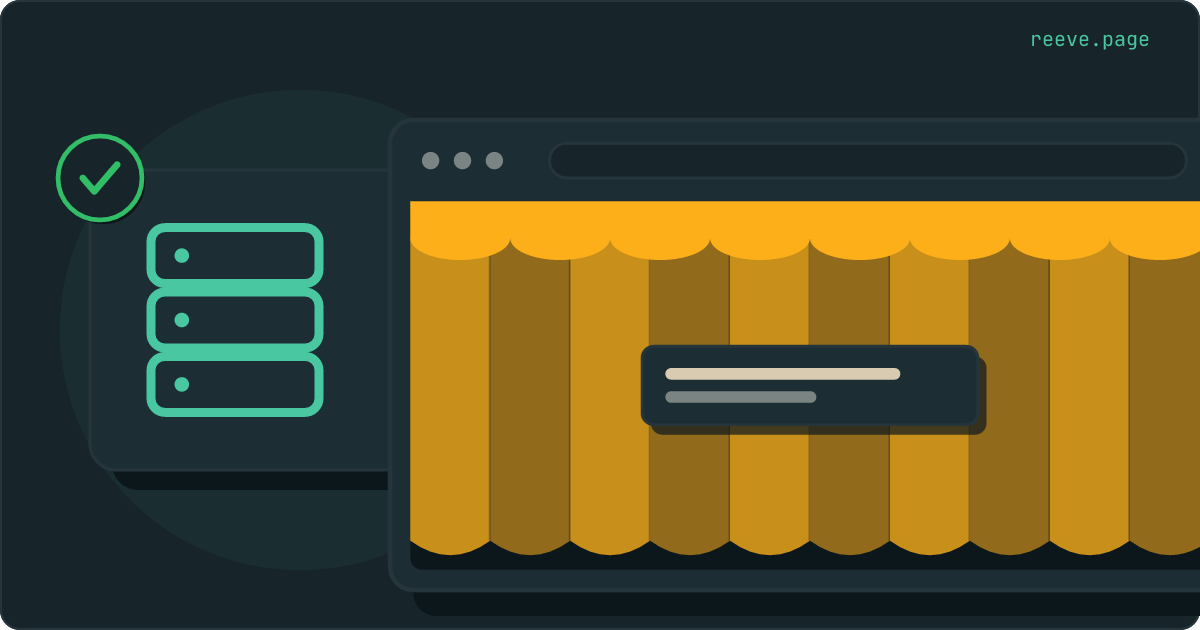
Think of a theatre's safety curtain. When something breaks on stage that the crew has no plan for, the curtain comes down across the whole stage. The audience sees the curtain and a short notice, and nothing of what fell over behind it. Next.js lowers the same curtain over your app, and its notice says where to look: backstage, in the console.
This post is about apps built with Next.js, the framework v0 writes in. A
Cursor or Claude Code project may use it too. If the page source of your app
loads files from /_next/, this is your app.
What does "Application error: a client-side exception has occurred" mean?
It means code running in your visitor's browser threw an error, and nothing in your app caught it.
"Client-side" is the browser, as opposed to the server that sent the page. An exception is what code throws when it cannot carry on, for example when it asks for a field inside something that is not there. The exception travels up through your app looking for code that handles it. When it reaches the top and nothing has, Next.js removes your app from the page and shows its own error page in its place.
That error page is written once, in Next.js's own source, and it does not print your error. The component behind it reads one thing from the error: whether it came from the server. Every client-side failure gets the same line, which is why two apps broken in completely different ways look identical in a screenshot. In the theatre, the curtain looks the same whatever fell.
The server has a twin of this line. Up to Next.js 16.1, the App Router printed "Application error: a server-side exception has occurred" when the page failed while the server was building it, ending "(see the server logs for more information)", with a Digest code under it. You will find that one in your host's logs, and Next.js's documentation says the digest "can be used to match the corresponding error in server-side logs". On Vercel, the logs are in the project's Logs tab.
Why does Vercel say your site is working?
Because the server did its part. It sent the page, with a 200, before anything went wrong.
A status code is the number a server sends with every answer: 200 means "here is the page", 404 means it found nothing at that address, and 500 means the server itself failed. Your server built the page, sent it, and reported 200. The crash came afterwards, when the visitor's browser ran your app's code to make the page respond. Vercel shows the deployment as Ready, because the deploy did finish. An uptime check that reads the status code gets its 200 and records your site as up.
In the theatre, the box office is still selling tickets, and nobody at the box office can see the curtain.
The people who see this failure are the ones who load the page in a browser: you, your visitors, and any check that opens the page the way they do.
How do you find the real error?
Open the page, open the browser console, and reload. The first red line is the real error.
- Open the page that shows the error. If it happens on one page only, start there.
- Press F12, or Cmd+Option+J on a Mac, and click the Console tab.
- Reload the page with the console open, so it records the error from the start.
- Read the first line in red. It names the kind of error and what the code was doing when it failed.
- Copy that line as text, with the few lines under it. That is what to give v0, or whoever writes your code. A screenshot of the curtain gives them nothing to act on.
Two lines you may meet, and what each means:
| The console says | What it means |
|---|---|
TypeError: Cannot read properties of undefined (reading 'map') | Your code asked for something inside a value that was not there. The word in brackets is the name it asked for. For example, the code expected a list from your database and got nothing. |
Minified React error # and a number, with an address | React shortens its error messages in production builds. Open the address in the line: react.dev prints the full message. |
The console also names the file the error came from, an address under
/_next/static/chunks/, and a line number. In a production build that file is
your code compressed onto a few long lines, so the line number does not point at
anything you wrote.
Should you turn on production source maps to read it?
No. Next.js turns them off in production so that your source code stays unpublished, and switching them on publishes it.
A source map is a file that turns the compressed code back into the code
you wrote, comments included. Next.js's documentation says that during
production builds they "are disabled to prevent you leaking your source on the
client". The setting that turns them on is productionBrowserSourceMaps: true
in next.config. With it on, the maps sit beside your script files, and "Next.js
will automatically serve these files when requested". Anyone who asks gets them.
Read the full error somewhere only you can see it:
- In v0, paste the console line into the chat and ask what throws it. v0 has your source and can read it there.
- With the code on your computer, run
npm run dev. Next.js's documentation says "Source Maps are enabled by default during development", so the console names your own files and lines, on your own screen.
If a map is already public, what an exposed source map shows a stranger covers what it reveals and how to turn it off. Our free scan checks whether your live site publishes source maps, and whether a secret key sits inside the script files every visitor downloads. It takes about 20 seconds and needs no account: scan your app.
Is it every visitor, or only some?
That depends on whether the failing code runs for everyone or only with certain data, and three loads tell you which.
- Open the app in a private window. It does not share stored pages or sign-ins with your normal window.
- Open it on your phone over mobile data.
- If the error is behind a sign-in, sign in as a second account, or ask a user who does not see it.
If every load crashes, the code fails on its own and every visitor sees the curtain. If only one account or one page crashes, look at what is different about the data it loads: a field that is empty, a list with nothing in it, a record somebody deleted. The console line names what was missing. If only your usual window crashes and the private one loads, your browser was still running an old copy of the app, and a reload brings in the new one.
How do you stop one error taking the whole page down?
Give that part of the app its own error boundary. A failure there then lowers a small curtain over that part, and the rest of the page stays.
An error boundary is a piece of React that catches exceptions from
everything inside it and shows a fallback in their place. Next.js builds one
from a file. In the App Router, which you are using if your project has an app
folder, an error.tsx file "wraps a route segment and its nested children in a
React Error Boundary", in Next.js's own words. A failure inside that route shows
your fallback, and the layout around it, your navigation for example, stays on
screen. The fallback can carry a button that tries again.
For the whole site, global-error.tsx in the root of the app folder replaces
Next.js's default error page with your own. Next.js's documentation says it
"replaces the root layout" while it is showing and "must define its own
<html> and <body> tags". That is where your own words, and a way back, go in
place of the line this post started with.
In the Pages Router, which uses a pages folder, Next.js's documentation does
the same job with a React error boundary that wraps your pages in
pages/_app. In v0, ask for it in plain words: an error.tsx for the route
that crashed, with a short message and a button to try again.
A boundary keeps the damage to one part of the stage while you fix the error from the console line.
Is "This page couldn't load" the same error?
Yes, on Next.js 16.2 and later. Next.js redesigned the App Router's default error page, and the same failure now reads "This page couldn't load".
Under that heading, "Reload to try again, or go back." means the failure
happened in the browser: the client-side case above, with the real error in the
console. "A server error occurred. Reload to try again.", with an ERROR code
under it, is the server-side case, and that code matches an entry in your host's
logs. The Pages Router still prints the "Application error" line. To see which
version you have, open package.json and read the number beside "next".
Checking your app after each publish
Every publish replaces the script files your visitors download, and those files are what our scan reads.
The free scan reads your live site the way a visitor's browser does.
- It opens the script files your pages load and reports a secret key inside them.
- It reports source maps published beside them, which is what
productionBrowserSourceMapsturns on. - There is no account to make and nothing to install.
Scan your app free in 20 seconds
Reeve Monitor runs that security check every hour and tells you when your grade drops.
- The alert names your grade before and after.
- Alerts go out by email, Telegram, Slack or webhook.
What to do right now
What to do
- Read the console before anything else. Press F12, open Console, reload, and copy the first red line as text.
- Expect Vercel and a status check to call the site fine. The server sent its 200 before the browser failed.
- Give the console line to v0 or whoever writes your code, with the page and the account it happened on.
- Leave
productionBrowserSourceMapsoff. Read full errors in v0's chat, or withnpm run devon your own computer. - Add an
error.tsxwhere the app crashed, and aglobal-error.tsxwith your own words, so the next failure covers one part of the page.
If your page is white with nothing on it and the console says "Failed to load module script", that one has its own post.
FAQ
What does "Application error: a client-side exception has occurred" mean?
Code running in the browser threw an error and nothing in your app caught it, so Next.js replaced the whole page with its own error page. The line reads the same whatever the error was. The real message is in the browser console: press F12, open Console, and reload.
Why does my site look fine on Vercel but crash for visitors?
Because the server did its part. It sent the page with a 200, which is what Vercel and any uptime check that reads the status code look at. The error happens afterwards, in the visitor's browser, when your app's code runs.
Will clearing the cache fix a client-side exception?
Only if your browser was running an old copy of the app. When the error is in the code your host serves now, or in the data that code reads, it comes back on the next load for every visitor who meets it. Read the console line first.
What is "Application error: a server-side exception has occurred"?
The same page for a failure on the server. Up to Next.js 16.1 the App Router printed it when the server could not build the page, with a Digest code under it. The details are in your host's logs, and the digest matches the entry there.
What does "This page couldn't load" mean in Next.js?
It is the App Router's default error page from Next.js 16.2 on. With "Reload to try again, or go back." under it, code in the browser failed, as with the older client-side exception line. With "A server error occurred" and an ERROR code, the server failed.