
 Reeve
Reeve Security basics
Is Supabase secure? Yes. Your project is a separate question
Is Supabase secure? The platform is audited, encrypted and pen-tested. Their own compliance documents say where that stops and your settings begin.
In short
- Is Supabase secure? The platform is: SOC 2 Type 2, ISO 27001, AES-256 at rest, TLS in transit, and penetration tests they publish.
- Supabase's own SOC 2 documentation says that compliance stops at the edge of their product. Your tables, your keys and your storage buckets sit on the other side of that line.
- We scanned 30,998 live apps in August 2026. In 2,096 of the 3,680 we could check, a table answered a stranger, on a platform that was working exactly as designed.
Somebody told you Supabase is not safe for real user data. Somebody else told you it runs half the apps you have heard of this year. Both of them were confident, and neither of them had opened your app.
Here is the part that guide after guide gets wrong: "is Supabase secure" and "is my Supabase project secure" get answered by two different people. Supabase answers the first one, and answers it well. The second one is yours, whether or not anybody mentioned it had been handed over.
Is Supabase secure?
Yes. Outside auditors have examined the platform, and its certifications are a matter of record.
Supabase is SOC 2 Type 2 compliant and ISO 27001 certified. Customer data is encrypted at rest with AES-256 and in transit with TLS. There is a HIPAA offering for health data, which needs an add-on and a signed agreement. They run regular penetration tests with outside experts, and they publish all of it on their security page.
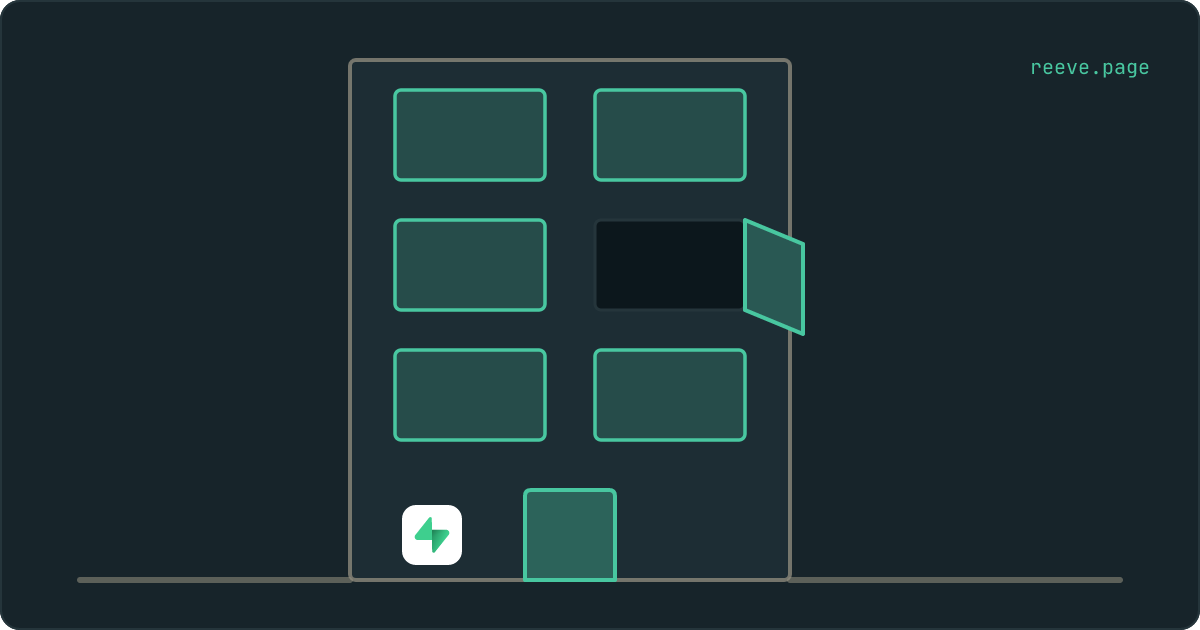
Think of it as a building. The foundations are sound, the fire doors work, the entrance has a guard on it, and there is a certificate on the wall from somebody who came and inspected the place. That is genuinely what you are buying.
Your project is a flat inside that building.
What does that certificate actually cover?
The building. Supabase writes the boundary down in one sentence, in their own SOC 2 documentation:
Supabase's SOC 2 compliance does not transfer to environments outside of the Supabase product or Supabase's control.
The same page adds that data on the customer side of that boundary is the customer's responsibility, and their shared responsibility model sets out which side is which. Supabase runs the infrastructure, the operating system, the Postgres upgrades and the platform's own monitoring. Your side holds your account and who has access to it, your data, your database secrets and API keys, and Row Level Security, which the page recommends you always apply.
That last item is the whole of this article. Row Level Security is the rule on each table saying who may read which rows. It stays off until somebody turns it on, and turning it on happens inside your project, on a page you may never have opened.
The certificate is for the building. The one thing the platform does about the flats is point at the doors: the Security Advisor in your dashboard names every table with the rule switched off, and leaves the decision with you.
Then why do so many Supabase apps leak data?
Because everything on your side of that line goes on working perfectly while it sits wide open.
In August 2026 we scanned 30,998 live apps built with Lovable, Base44, Replit, v0 and Bolt. In 3,680 of them we could complete the check that asks a database, carrying no login at all, whether it will hand over rows. 2,096 said yes to at least one table. Storage told the same story from a different angle: of the 27,269 apps where we could check, 792 had a bucket a stranger could list.
None of that was a Supabase failure. Every one of those answers came from a patched, encrypted database on a certified platform, doing exactly what its own project had told it to do. The building was fine. The doors inside it were open.
It happens because of the order things get built in. Your app works from the first day, and it works whether the rules are written or not, so there is no moment where anything goes wrong and prompts you to look. The full measurement sets out how much of that we could see and how much we could not.
If you want the answer for your own app instead of for the platform, our free scan makes the same anonymous request from outside and reports which of your tables answered. About 20 seconds, no account: scan your app.
Is Supabase safe for production?
Yes, and what you have to do about it is short, because Supabase already did the long half.
| Concern | Who handles it | What it means for you |
|---|---|---|
| Server patching, Postgres upgrades, the OS | Supabase | Nothing to do |
| Encryption at rest and in transit | Supabase | Nothing to do |
| Physical security, network security, pen tests | Supabase | Nothing to do |
| Backups of your database | Supabase | Daily on a paid plan, and absent on the free one. Check which you are on |
| Which rows a visitor is allowed to read | You | A Row Level Security policy on every table holding real data |
| Which key went into your app | You | The publishable key belongs there. service_role and sb_secret_ never do |
| Which files a stranger can list | You | The public flag on each storage bucket, which is separate from your table rules |
| Who can sign in to your Supabase account | You | A password nobody else has, and two-factor on the account |
Every row in the bottom half is a setting, and every setting is a few minutes in a dashboard. The platform arrives production-grade. The configuration arrives in whatever state your builder left it in.
How do I check my own project?
Three places, and none of them needs you to read a line of SQL.
Open the Security Advisor in your Supabase dashboard. It lists every table with Row Level Security switched off, which is the bluntest version of this problem, and Supabase is good at flagging it. A project with an empty list there has cleared the first question.
Then read the policy on any table holding people. The Advisor cannot decide whether a permissive policy was deliberate, because on a product catalogue it would be correct. A table can have the switch on, a valid policy, a green tick in the dashboard, and still hand its rows to anyone who asks; the four states a table can be in walks through how to tell yours apart.
Then look at Storage. Buckets have their own settings and your table rules do not reach them, so a locked-down database tells you nothing about the files your users uploaded.
There is a fourth question the dashboard cannot answer: which key your app actually shipped. The settings page lists the keys your project holds, and your app is the only place that records which one went into it. Reading the key in your own live page is a two-minute job, or our free scan reads it for you along with everything above: scan your app.
What to do now
What to do
- Stop asking whether Supabase is secure. It is, with a SOC 2 Type 2 report, ISO 27001, AES-256 encryption at rest and regular penetration tests behind the claim.
- Read the boundary in their own words. The compliance covers the Supabase product, and your Row Level Security policies, keys and buckets sit on your side of it.
- Open the Security Advisor first. It costs a minute and it answers the bluntest version of the question.
- Read the policy on every table holding people, because a permissive policy shows in the dashboard as a protected table.
- Check Storage separately from your tables. The two have different settings and a strict database says nothing about your files.
If you would rather work through the whole thing as a list, the 10-minute security checklist covers this alongside the other settings worth closing in a newly launched app, and there is a plain language walkthrough of the specifics for Supabase apps.
Working through that list is an evening, and the answer it gives you is true on the evening you do it. Keeping it true is the part that does not fit in one, which is what we built Reeve Care for: it re-runs these same checks on your app on a schedule and emails you when one of them starts answering differently. What it watches and what it costs.
Reeve keeps a copy of your Supabase database
Outside the account it came from, on a schedule, and verified before it counts. The first of those three is the one Supabase's own backups cannot do for you.
Supabase takes a daily copy on a paid plan and none at all on the free one, and either way that copy sits inside the project it was taken from. It is the right tool for the afternoon you break your own data. It is out of reach on the day the account itself is the problem: a billing lapse, a deletion, a login nobody can get into.
Reeve Care keeps a copy somewhere else. Taken on the schedule your plan sets, encrypted before it leaves the machine that made it, and read back and checked before we count it as a backup at all, so the date on your dashboard is the date a copy was proven to exist rather than the date a job started. It covers your Supabase database, and the files your users uploaded once you connect them.
A restore does three things around the replay itself. It checks the copy still fits your database before it puts back a single row, it takes a safety snapshot of what is there now first, and it proves the database is writable afterwards by writing to it, because a restore that leaves you read-only has not finished. You can also download any copy we hold and walk away with it.
Every check on this page tells you where your app stands today. The backups are for the day something has already gone wrong. What Reeve backs up on Supabase, how often, and what a restore does.
FAQ
Is Supabase secure enough to hold real customer data?
Yes. Supabase is SOC 2 Type 2 compliant and ISO 27001 certified, encrypts customer data at rest with AES-256 and in transit with TLS, and runs regular penetration tests. What that does not tell you is whether the rules inside your own project let a stranger read your tables, because that setting belongs to your project rather than to the platform.
Is Supabase SOC 2 compliant?
Yes, SOC 2 Type 2. Enterprise and Team customers can request the report from their dashboard. The scope is the Supabase product itself: their infrastructure, their controls, their monitoring.
Does Supabase's SOC 2 report cover my app?
No, and Supabase says so in writing. Their SOC 2 documentation states that the compliance does not transfer to environments outside of the Supabase product or Supabase's control, and that data on the customer side of that boundary is the responsibility of the customer. Your Row Level Security policies, your API keys and your storage settings are all on your side of it.
Is Supabase safe for production?
Yes, and the work that makes it safe on your side is short. Turn on Row Level Security for every table holding real data and write a policy that names a condition, keep the secret key out of anything your visitors download, and check which storage buckets are marked public. Those three are the settings that decide whether a stranger can reach your data, and they are where we start when we scan an app.
Is Supabase HIPAA compliant?
Supabase offers HIPAA compliance, and it is not automatic. It requires the HIPAA add-on and a signed Business Associate Agreement, and their documentation is explicit that SOC 2 compliance is no substitute for it. Protected health information also brings rules about where you may put it, including an instruction not to store it in public storage buckets.
Is Supabase more secure than building my own backend?
On the parts Supabase handles, almost certainly. Server patching, database upgrades, encryption at rest, network security and an audited access-control regime are all things a solo founder rarely does as thoroughly. The parts you still own are the same either way, and with your own backend there is one more of them: the code between your app and your database.